> ## Documentation Index
> Fetch the complete documentation index at: https://datum-4926dda5-how-to-guides-lb-failover.mintlify.site/llms.txt
> Use this file to discover all available pages before exploring further.
# Activity Logs
> Query and filter audit logs in the Datum Cloud portal to track changes across your organizations and projects
## Portal
You can query and filter audit logs in the Datum Cloud portal to track changes across your organization and projects. Access activity logs from the organization's settings page.
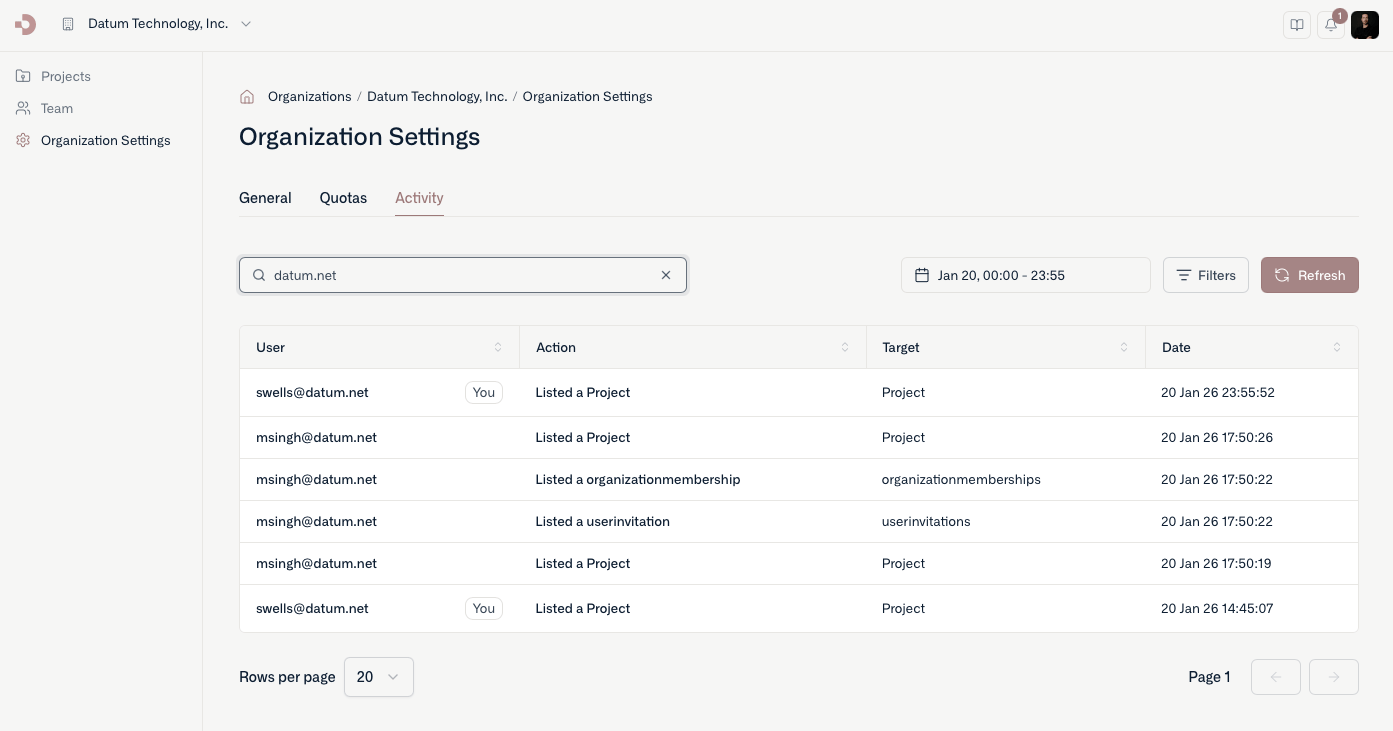 You can also query and filter audit logs for a project by navigating to a project's settings page.
## Command line
Our command line tool (`datumctl`) allows you to quickly browse audit logs from the platform and pipe results into `jq` or other tools for detailed processing.
By default, the query command retrieves the last 24 hours of activity. You can use the `--filter` option to specify a [CEL expression](https://cel.dev/) to filter the audit logs returned.
You can also query and filter audit logs for a project by navigating to a project's settings page.
## Command line
Our command line tool (`datumctl`) allows you to quickly browse audit logs from the platform and pipe results into `jq` or other tools for detailed processing.
By default, the query command retrieves the last 24 hours of activity. You can use the `--filter` option to specify a [CEL expression](https://cel.dev/) to filter the audit logs returned.